

Physician burnout is no longer just a workplace complaint; it is a systemic crisis driven by administrative overload. According to PubMed, 74.5% of physicians cite EHR documentation as a primary factor in their burnout. This statistic highlights an urgent need for clinical staff to reclaim their time. By implementing remote medical scribe services, practices can shift the burden of data entry away from the provider. This guide outlines the exact steps to integrate virtual documentation support into your daily workflow.
Understanding the Administrative Burden
Electronic Health Records (EHR) were designed to digitize patient data, but they have inadvertently created a massive administrative bottleneck. Physicians now spend more time typing than looking at patients. This disconnect affects both provider satisfaction and patient trust. Data from the American Medical Association shows that 66 minutes are saved per 8-hour shift when using a medical scribe. That is nearly a full workday recovered every week for a single provider. (FAQs Get Answers About)
The core issue is not the software itself, but the real-time documentation requirement. When a doctor must type notes during a consultation, eye contact is lost. The patient feels unheard. Remote scribes solve this by listening to the encounter and documenting it in the background. This allows the physician to maintain focus on the clinical interaction. The result is a more human-centered healthcare experience.
Evaluating Virtual Scribe Options
Not all documentation support is created equal. Traditional on-site scribes are expensive and logistically difficult to manage. Remote medical scribes offer a scalable alternative. They connect via secure video and audio links to your exam room. This setup ensures that the scribe hears every word spoken during the patient encounter. The scribe then translates that conversation into structured clinical notes.
When selecting a provider, look for HIPAA compliance and robust workspace security. My Virtual Scribe utilizes VPN-powered workspace security to ensure patient data remains protected. You must also verify the scribe's medical terminology knowledge. A scribe who understands your specific specialty will produce more accurate notes faster. This reduces the need for post-encounter corrections by the physician.
The Integration Process
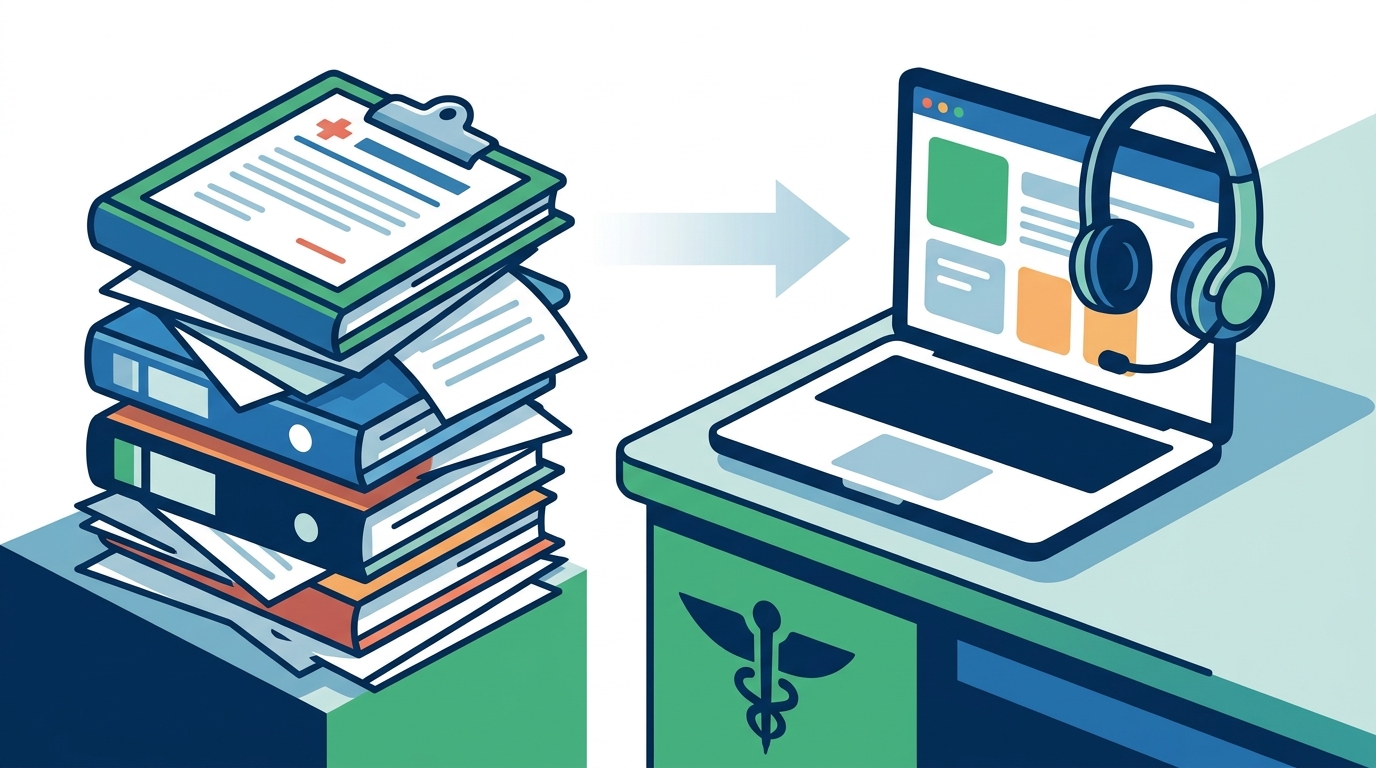
Integrating a remote scribe into your practice is straightforward. The process begins with a consultation to define your documentation needs. You will then set up the technical infrastructure. This typically involves a laptop or tablet in the exam room with a secure internet connection. The scribe joins the session remotely, viewing and hearing the interaction in real time.
Once the connection is established, the scribe begins processing data directly into your EMR or EHR system. This happens simultaneously with the patient visit. The physician does not need to dictate notes or pause the conversation. The scribe handles the coding and documentation structure. At the end of the visit, the note is ready for your review and signature. This streamlined efficiency keeps your schedule on track.
Technical Requirements
Ensure your exam room has a reliable microphone and camera. Audio clarity is critical for the scribe to capture nuanced medical details. Video is optional but helpful for visual context. The scribe will use a secure portal to access your practice management software. Training is usually provided to both the physician and the scribe to ensure smooth operation.
Specialty-Specific Applications
Different medical specialties have unique documentation challenges. A one-size-fits-all approach often fails. Remote scribes can be tailored to the specific workflows of your practice. For example, dermatologists require detailed lesion descriptions and mapping. Oncologists need complex treatment plan documentation. Dental practices must capture precise procedure codes and insurance details.
My Virtual Scribe offers specialized support for these areas. Their team includes trained professionals who understand the nuances of dermatology virtual scribe services. They also provide support for optometry, oncology, and dental practices. This specialization ensures that the notes generated are clinically relevant and accurate. It reduces the cognitive load on the physician, allowing them to focus on diagnosis and treatment.
Comparing Service Models
| Service Type | Cost Structure | Flexibility | Best For |
|---|---|---|---|
| On-Site Scribe | High hourly rate | Low (Fixed hours) | Large hospitals |
| AI Dictation | Subscription fee | Medium | Simple notes |
| Remote Scribe | Affordable hourly | High (Scale as needed) | Small to mid-size practices |
| Virtual Assistant | Monthly retainer | Medium | Admin tasks |
Measuring Return on Investment
The financial impact of reducing EHR time is significant. When physicians spend less time on documentation, they can see more patients. This increases practice revenue without adding clinical staff. Additionally, reduced burnout leads to lower turnover rates. Hiring and training new physicians is costly. Retaining experienced staff is a direct financial benefit.
Patient satisfaction also improves. According to the American Medical Association, 57% of patients report better interactions when their doctor is assisted by a scribe. This leads to higher patient retention and positive reviews. The combination of increased revenue and improved patient outcomes creates a strong return on investment. Many practices find that the cost of the scribe is offset by the increased efficiency of the provider.
Key Takeaways
- 74.5% of physicians cite EHR documentation as a major factor in burnout.
- Remote scribes save an average of 66 minutes per 8-hour shift.
- My Virtual Scribe offers HIPAA-compliant, VPN-secured documentation support.
- Specialized scribes are available for dermatology, oncology, and dental practices.
- Integration requires only a secure device and internet connection in the exam room.
- Physician-founded by Dr. Behzad Ourmazdi, focusing on rehumanizing healthcare.
- 57% of patients report better interactions with scribe-assisted care.
Frequently Asked Questions
How does a remote medical scribe ensure HIPAA compliance?
Remote scribes use encrypted VPN connections and secure workspaces to protect patient data. They are trained in HIPAA regulations and sign confidentiality agreements. My Virtual Scribe implements additional workspace security measures to ensure data integrity.
Can a remote scribe handle complex specialty notes?
Yes. Scribes are trained in medical terminology and can specialize in fields like dermatology, oncology, or dentistry. They learn your specific documentation preferences to ensure accuracy.
What equipment do I need to use a remote scribe?
You need a laptop or tablet with a microphone and camera in your exam room. A stable internet connection is also required. The scribe connects remotely via a secure portal.
How much time can a remote scribe save me?
Studies show that scribes can save up to 66 minutes per 8-hour shift. This allows you to focus on patient care rather than typing.
Is remote scribing more expensive than on-site scribing?
Remote scribes are often more cost-effective. They eliminate the need for physical office space and offer greater scheduling flexibility. My Virtual Scribe offers affordable pricing models for small practices.
How do I get started with a remote scribe?
Contact a provider like My Virtual Scribe to schedule a consultation. They will help you set up the technical infrastructure and match you with a qualified scribe.
Do remote scribes work with all EHR systems?
Most remote scribes are trained in major EHR platforms. They can adapt to your specific system to ensure seamless documentation.
Get Started Today
Reclaim your time and improve patient care by reducing your EHR documentation burden. My Virtual Scribe offers tailored solutions for your practice. Visit our pricing page to learn more about our services. Contact us today to schedule a free consultation and see how we can help your practice thrive.