

How to Integrate a Remote Scribe into Your Existing EHR Workflow
Physician burnout has reached critical levels, with 74.5% of doctors citing EHR documentation as a major factor in their exhaustion. This statistic is supported by research published in PubMed, highlighting the urgent need for workflow solutions. When electronic health record systems become a barrier rather than a tool, patient care suffers. Integrating a remote medical scribe is not just an administrative upgrade; it is a clinical necessity for modern practices. This guide details the precise steps to seamlessly embed virtual documentation support into your daily operations.
Understanding EHR Integration Requirements
Before bringing a remote scribe into your practice, you must understand the technical landscape of your Electronic Health Record (EHR) system. EHR integration refers to the ability of external software or personnel to access, view, and input data into your primary clinical database securely. Unlike traditional in-person scribes who sit in the exam room, remote scribes rely entirely on digital connectivity.
Your practice likely uses one of the major platforms dominating the market. According to industry data, over 80% of office-based physicians have adopted certified EHR technology. This widespread adoption is documented by the American Medical Association. Whether you use Epic, Cerner, Athenahealth, or a smaller niche provider, the core requirement remains the same: your remote scribe must have real-time, read-only or write-access to your patient charts.
It is crucial to distinguish between direct API integration and screen-sharing workflows. Most remote scribe services, including those offered by My Virtual Scribe, utilize a hybrid approach. The scribe joins a secure video conference to hear the patient encounter and simultaneously logs into your EHR via a secure portal to document in real-time. This dual-channel approach ensures that the documentation matches the clinical conversation exactly as it happens.
Technical Setup and Secure Access
Security is the non-negotiable foundation of remote medical documentation. Any integration plan must prioritize HIPAA compliance above all else. HIPAA compliance mandates that all protected health information (PHI) remains encrypted and inaccessible to unauthorized parties during transmission and storage.
Secure Network Infrastructure
Your remote scribe must operate from a secure network environment. Reputable scribe companies enforce strict workspace security protocols. For instance, My Virtual Scribe provides workspace security powered by Virtual Private Networks (VPNs). This ensures that the data stream between the scribe and your EHR is encrypted end-to-end. You should verify that your IT team has whitelisted the scribe service’s IP addresses to prevent firewall blocks during live patient encounters.
Device and Audio Requirements
Clear audio is the lifeline of remote scribing. The scribe must hear every word spoken between you and the patient. This requires a high-quality microphone and speaker setup on your end. Many practices use a dedicated tablet or laptop placed on a rolling stand in the exam room. This device connects to your EHR via a secure browser or dedicated application. According to a study by the American Medical Association, 66 minutes are saved per 8-hour shift when using a medical scribe. This time saving is only realized if the technical connection is flawless and latency is minimized.
Mapping Your Clinical Workflow
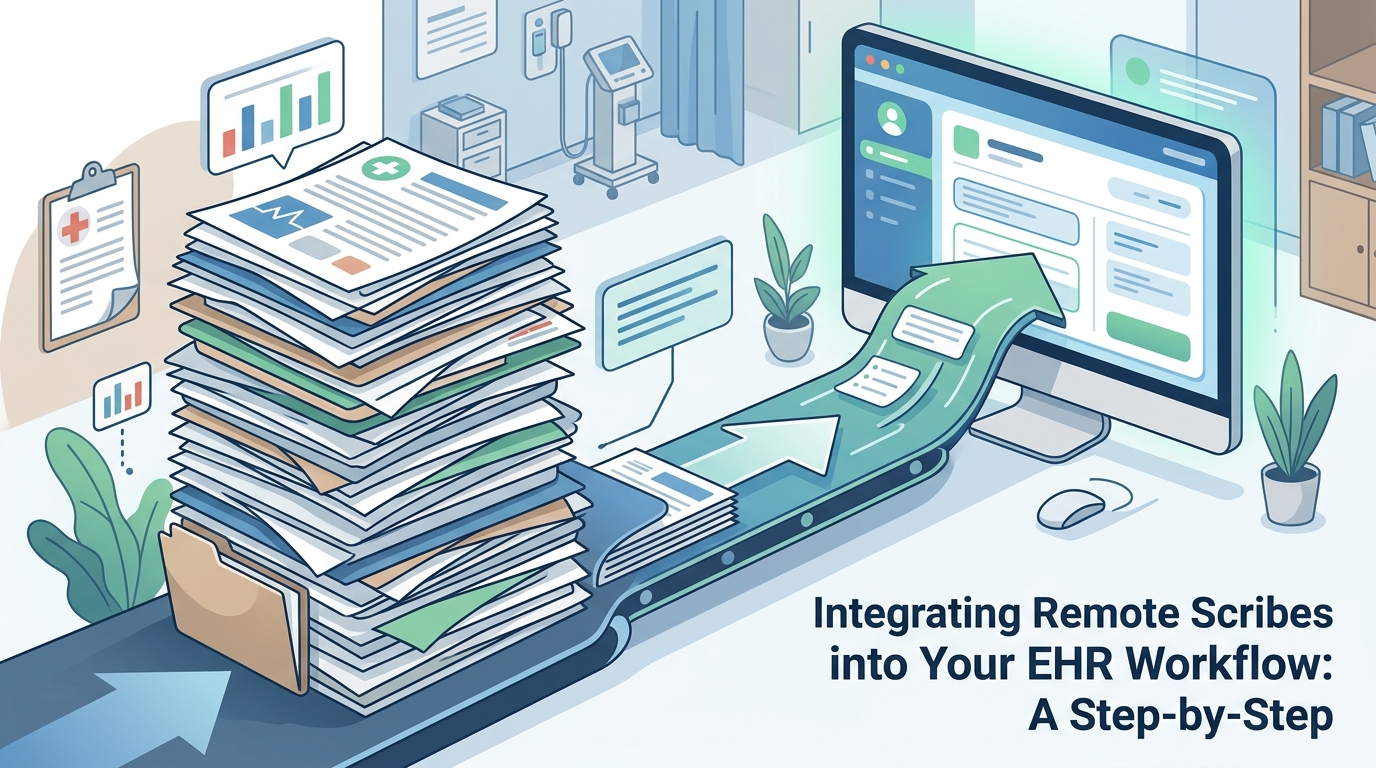
Technology alone does not solve workflow issues; process design does. You must map out exactly how the scribe interacts with your clinical flow. This involves defining roles, triggers, and handoffs.
Pre-Visit Preparation
Establish a protocol for pre-visit chart review. Your remote scribe should review the patient’s history, current medications, and past notes before the encounter begins. This allows them to anticipate the documentation needs. At My Virtual Scribe, our trained staff begins processing important data into your EMR or EHR system immediately upon connection. This proactive approach reduces the cognitive load on the physician during the visit.
Real-Time Documentation
During the visit, the scribe acts as an invisible extension of your practice. They do not interrupt the patient interaction. Instead, they listen and type. This allows you to maintain eye contact and focus on the physical examination. The scribe captures the chief complaint, history of present illness, review of systems, and physical exam findings in real time. This method aligns with the meaningful use criteria for EHRs, which require accurate and timely documentation for quality reporting.
Post-Visit Closure
The workflow concludes with chart closure. The scribe finalizes the note, ensuring all coding elements are present. You then review and sign the note. This step is critical for revenue cycle management. Incomplete notes lead to claim denials and delayed payments. By having a scribe ensure completeness, you protect your practice’s financial health.
The Training and Onboarding Phase
Integration is not a one-time event; it is a continuous process of refinement. The first few weeks with a remote scribe require active management and training.
Specialty-Specific Training
General medical knowledge is not enough. Your scribe must understand the terminology and workflows specific to your specialty. For example, a dermatologist requires detailed skin lesion documentation, while an oncologist needs complex chemotherapy regimen tracking. My Virtual Scribe offers specialized virtual scribes for dermatology, optometry, and other niches. This specialization ensures that the documentation is clinically accurate and reduces the need for post-visit corrections.
Feedback Loops
Establish a regular feedback loop. Schedule weekly check-ins during the first month to discuss what is working and what is not. Are the notes too brief? Too detailed? Is the coding accurate? Use this data to adjust the scribe’s approach. This iterative process ensures that the scribe becomes a true partner in your practice’s success.
Optimizing for Efficiency and Compliance
Once the initial integration is complete, focus on optimization. This involves monitoring metrics and ensuring ongoing compliance.
Monitoring Key Metrics
Track the following metrics to measure the success of your remote scribe integration:
| Metric | Definition | Target Goal |
|---|---|---|
| Chart Closure Time | Time from patient exit to note signature | < 15 minutes |
| Burnout Score | Physician self-reported stress levels | Decrease by 20% |
| Patient Satisfaction | Post-visit survey scores | Increase by 15% |
| Claim Denial Rate | Percentage of claims rejected | < 5% |
Compliance Audits
Regularly audit your scribe’s work for compliance. Ensure that all PHI is handled correctly and that the scribe is adhering to HIPAA guidelines. My Virtual Scribe maintains rigorous internal audits to ensure that every scribe meets these high standards. This protects your practice from potential legal and regulatory risks.
Key Takeaways
- 74.5% of physicians cite EHR documentation as a major factor in burnout, according to PubMed.
- Remote scribes save an average of 66 minutes per 8-hour shift, as reported by the American Medical Association.
- 57% of patients report better interactions when their doctor is assisted by a scribe, per AMA data.
- Secure VPNs are essential for protecting PHI during remote documentation.
- Specialty-specific training significantly reduces documentation errors.
- Real-time EHR access allows for immediate chart closure and faster billing.
- My Virtual Scribe offers specialized support for dermatology, optometry, and oncology.
Frequently Asked Questions
How do remote scribes access my EHR system?
Remote scribes typically access your EHR through a secure, HIPAA-compliant portal or a dedicated application. They log in using your practice’s credentials or a unique, time-limited access token provided by your IT team. This ensures that they can view and input data in real-time without compromising security.
Is remote scribing HIPAA compliant?
Yes, remote scribing is fully HIPAA compliant when conducted through a reputable service provider. Providers like My Virtual Scribe use encrypted VPNs, secure workspaces, and strict data handling protocols to ensure that all patient information remains protected.
Can remote scribes handle complex specialties like oncology?
Absolutely. Remote scribes can be trained in specific medical specialties. My Virtual Scribe offers specialized scribes for oncology, dermatology, and other complex fields. This ensures that the documentation captures the nuanced details required for accurate coding and patient care.
How much time does a remote scribe save?
Studies indicate that remote scribes can save physicians up to 66 minutes per day. This time is reclaimed from documentation tasks and can be redirected toward patient care, administrative duties, or personal well-being.
What is the cost of hiring a remote scribe?
The cost varies based on the level of service and specialty. My Virtual Scribe offers competitive pricing models designed to be affordable for small practices. Contact us for a detailed quote tailored to your specific needs.
Do I need special hardware for remote scribing?
You need a reliable internet connection, a device with a camera and microphone (such as a tablet or laptop), and a secure network. The scribe will connect to this device during patient encounters to listen and document.
How do I train a remote scribe on my specific EHR?
Most scribe providers offer comprehensive training on major EHR systems. Additionally, your IT team can provide specific workflow training. My Virtual Scribe ensures that all scribes are proficient in common EHR platforms before they begin working with your practice.
Get Started with My Virtual Scribe
Reclaim your time and improve patient care by integrating a remote scribe into your workflow. My Virtual Scribe provides the technology, training, and expertise you need to succeed. Contact us today to schedule a consultation and discover how we can transform your practice.