

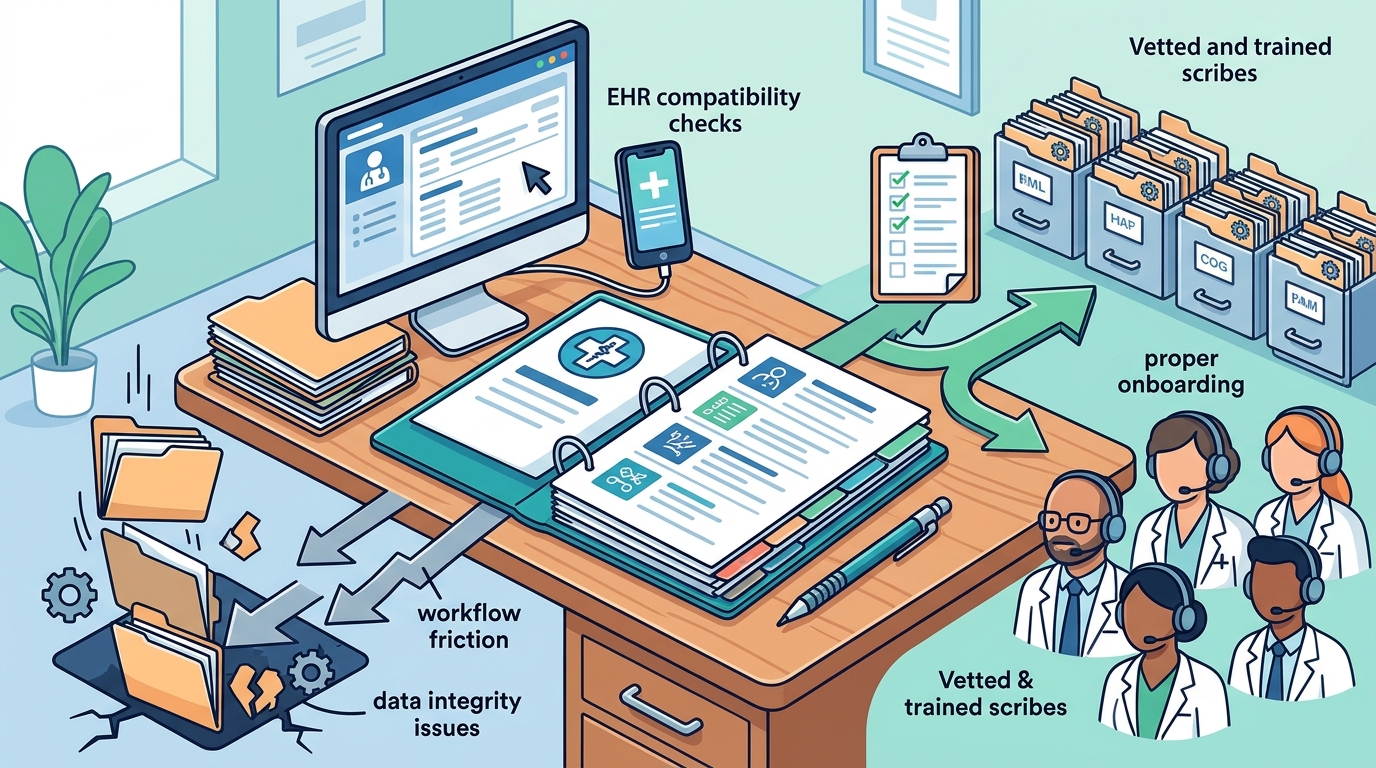
Practices often fail to define clear documentation standards, neglect EHR compatibility checks, and skip proper onboarding. These errors lead to workflow friction and data integrity issues. My Virtual Scribe helps healthcare teams avoid these pitfalls by providing vetted scribes trained in specific EHR systems. This guide outlines the critical errors to prevent during your transition to remote support. For additional details, review the myvirtualscribe us.
Defining Documentation Standards
Many practices assume that scribes will automatically understand their specific documentation preferences. This assumption is a primary source of friction. Documentation standards is a set of specific rules and templates that dictate how clinical notes are structured and recorded. Without explicit guidelines, scribes may use generic formats that do not align with the practice's billing or clinical workflows. For example, a cardiology practice might require specific ICD-10 coding logic in the history of present illness section. If this is not documented, the scribe may miss critical details. My Virtual Scribe works with practices to establish these protocols before the first shift begins. This ensures that every note meets the specific requirements of the specialty. For additional details, review the .
EHR Compatibility and Access
Onboarding and Training
Communication Protocols
Another significant mistake is the lack of clear communication channels between physicians and scribes. Communication protocols are the established methods and expectations for how information is exchanged between team members in real-time. Remote scribes need to know how to ask clarifying questions when a patient's history is unclear. If there is no defined channel for this, scribes may guess or leave gaps in the documentation. My Virtual Scribe implements secure communication tools that allow scribes to ask questions during the visit. This ensures that the documentation is accurate and complete. Practices that fail to establish these protocols often find that their scribes are working in a vacuum, leading to frustration for both parties. For additional details, review the Customer Experience.
Measuring Success and ROI
Finally, many practices do not define how they will measure the success of their remote scribe program. Return on investment is the financial benefit gained from an investment relative to its cost. Without clear metrics, it is difficult to determine if the service is providing value. Practices should track metrics such as time saved per patient, reduction in after-hours documentation, and physician satisfaction. My Virtual Scribe provides reporting tools that help practices track these metrics. By measuring success, practices can make data-driven decisions about their scribe program. This ensures that the investment continues to provide value over time. For additional details, review the Frequently Asked Questions.
Key Takeaways
- Define clear documentation standards before onboarding scribes. For additional details, review the About.
- Verify EHR compatibility and secure remote access during onboarding.
- Invest time in structured onboarding and training for scribes.
- Establish clear communication protocols for real-time clarification.
- Track metrics to measure the success and ROI of the program.
- Partner with a provider like My Virtual Scribe that understands your specific needs.
Frequently Asked Questions
How long does it take to onboard a remote scribe?
The onboarding process typically takes one to two weeks, depending on the complexity of the EHR and the practice's specific documentation requirements. My Virtual Scribe provides a structured onboarding process to ensure a smooth transition.
Can remote scribes work with all EHR systems?
How do remote scribes communicate with physicians during a visit?
My Virtual Scribe implements secure communication tools that allow scribes to ask clarifying questions in real-time. This ensures that the documentation is accurate and complete.
What metrics should I track to measure the success of my scribe program?
Practices should track metrics such as time saved per patient, reduction in after-hours documentation, and physician satisfaction. My Virtual Scribe provides reporting tools to help track these metrics.
Is My Virtual Scribe HIPAA compliant?
Yes, My Virtual Scribe provides HIPAA-compliant services. Our scribes are trained in HIPAA regulations and follow strict security protocols to protect patient data.
Start Your Transition with Confidence
Avoiding these common mistakes is essential for a successful transition to remote scribe services. By defining clear standards, verifying EHR compatibility, and investing in onboarding, practices can maximize the value of their scribe program. My Virtual Scribe is committed to helping healthcare teams navigate this transition with confidence. Contact My Virtual Scribe to schedule a consultation and learn how our vetted scribes can support your practice. Learn more: myvirtualscribe us.