

Integrating Remote Scribes Into Your Existing EHR Workflow
Physician burnout has reached critical levels in modern healthcare, with 74.5% of doctors citing electronic health record (EHR) documentation as a primary driver of their exhaustion (PubMed). This overwhelming administrative burden is not just a personal struggle but a systemic issue affecting patient care quality. The solution lies in seamless integration with remote medical scribes who can handle real-time charting without disrupting your clinical rhythm. By leveraging virtual assistance, you reclaim approximately 66 minutes of your workday (American Medical Association), allowing you to focus entirely on the patient in front of you rather than the screen. (About My Virtual Scribe)
Understanding the Technical Setup
Before bringing a remote scribe into your daily routine, you must ensure your digital infrastructure supports real-time data entry. A remote medical scribe is not merely a transcriptionist who listens to recordings later. They are active participants in the clinical encounter, viewing and hearing the interaction live to document directly into your system. (FAQs Get Answers About)
The foundation of this integration is a secure, HIPAA-compliant connection. My Virtual Scribe utilizes workspace security powered by Virtual Private Networks (VPN) to ensure that all data transmission between your exam room and the scribe’s remote location is encrypted. This technical layer is non-negotiable for maintaining patient privacy and adhering to federal regulations.
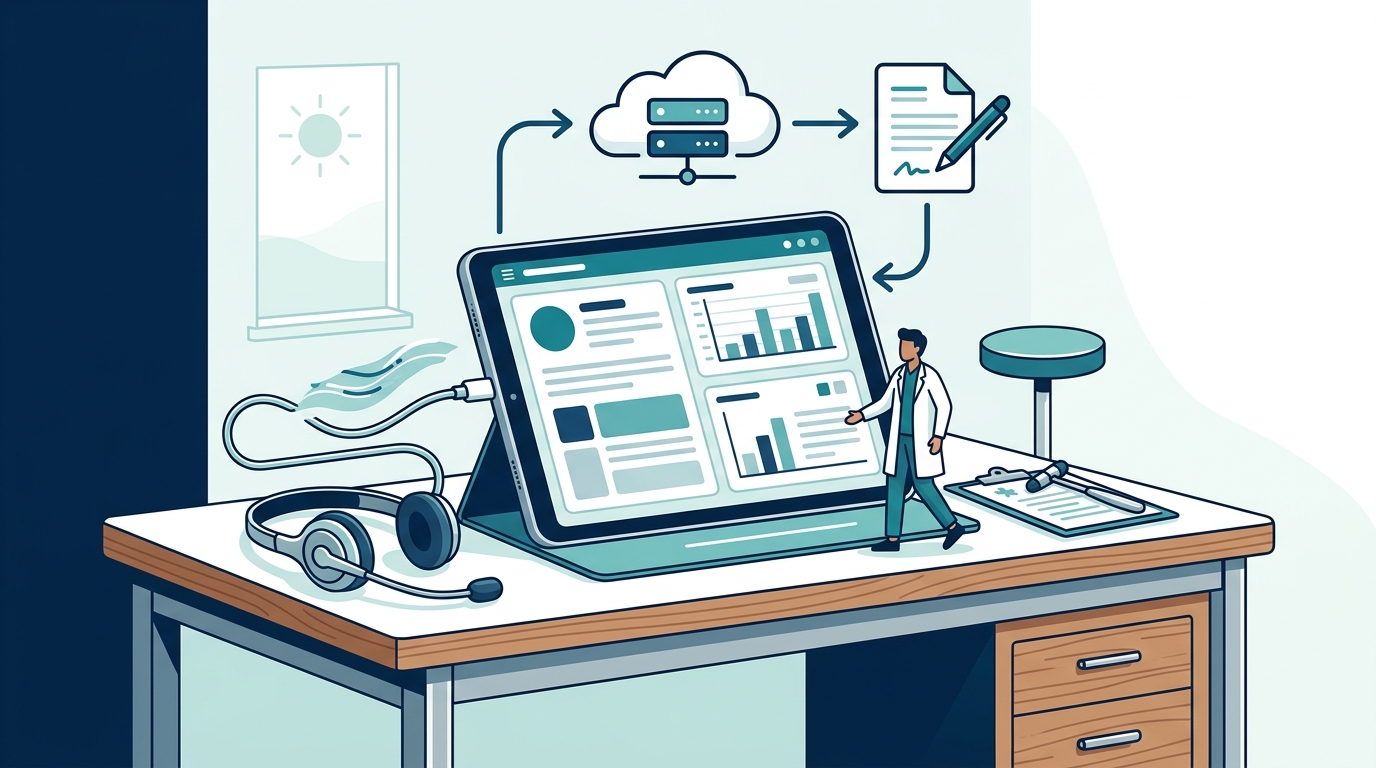
Most modern EHR systems are web-based, which simplifies the integration significantly. You do not need complex hardware installations. A standard laptop or tablet with a stable internet connection is sufficient for your scribe to access your electronic medical record (EMR) interface. The scribe logs in using your practice’s secure credentials, often through a dedicated portal or direct link provided by your service provider.
Preparing Your Practice for Integration
Successful integration begins with administrative preparation. You must define the scope of the scribe’s authority within your EHR. Do they have permission to save drafts, send notes to providers for final sign-off, or update patient demographics? Establishing these protocols beforehand prevents workflow bottlenecks.
It is also crucial to prepare your staff. Receptionists and billing coordinators should understand that the scribe is an extension of your clinical team. Clear communication channels must be established for technical issues that arise during appointments. If a connection drops, your staff needs to know the immediate fallback procedure to ensure patient care is not interrupted.
Consider your specific scheduling needs. Remote scribes can be scheduled on an as-needed basis or for full-time shifts. This flexibility allows you to scale your documentation support during high-volume periods, such as flu season or annual physical weeks, without the overhead of hiring full-time in-house staff. This approach aligns with the growing trend of hiring online scribes and virtual assistants to enhance workflow efficiency.
The Live Integration Process
The actual integration happens during the patient encounter. Here is the standard workflow for a seamless session:
- Pre-Visit Check: Ensure your scribe has access to the patient’s chart before they enter the room. The scribe reviews the history of present illness and past medical history to prepare templates.
- Real-Time Documentation: As you examine the patient, the scribe listens and types simultaneously. They capture your physical exam findings, your clinical reasoning, and the plan of care in real time.
- Review and Sign-Off: Once the visit concludes, the note is typically saved as a draft. You review the documentation for accuracy and sign it electronically. This step ensures that the final record reflects your clinical judgment accurately.
- Post-Visit Cleanup: The scribe may assist with closing out the chart, ordering labs, or sending referrals, depending on your practice’s specific protocols.
This process transforms the EHR from a barrier between you and your patient into a tool that supports your care. Studies show that 57% of patients report better interactions when their doctor is assisted by a scribe (American Medical Association). This improvement is directly linked to the physician’s ability to maintain eye contact and engage verbally rather than typing during the consultation.
Specialty-Specific Adaptations
Integration requirements vary slightly depending on your medical specialty. Different fields have unique documentation standards and coding complexities.
Dermatology and Oncology
These specialties often require detailed descriptions of lesions, tumor staging, and complex treatment plans. A remote scribe trained in these areas understands the specific terminology and coding requirements, such as CPT codes for biopsies or chemotherapy administration. They can accurately document the visual findings that you describe, ensuring precise billing and medical necessity.
Dental and Optometry
Dental practices and optometry clinics have distinct EHR interfaces focused on imaging and procedural logs. My Virtual Scribe offers specialized dental healthcare virtual assistants and optometry healthcare virtual assistants who are familiar with these niche systems. They can document treatment plans, insurance authorizations, and follow-up care instructions specific to these fields.
General Practice and Internal Medicine
For primary care, the volume of visits is high, and the documentation must be concise yet comprehensive. Remote scribes help manage the pace of the day, ensuring that each note is completed accurately without rushing. This is particularly vital for managing chronic conditions where detailed history tracking is essential.
Comparing EHR Platform Compatibility
Not all EHR systems are created equal when it comes to remote scribe integration. Some platforms offer native scribe modules, while others rely on third-party integrations. Below is a general overview of how different platforms handle remote documentation.
| EHR Platform Type | Integration Method | Pros for Remote Scribes | Cons for Remote Scribes |
|---|---|---|---|
| Cloud-Based EHRs (e.g., Epic, Cerner, Athenahealth) | Direct Web Login / API | Real-time sync, accessible from anywhere, robust security features. | May require specific training on proprietary scribe interfaces. |
| Local Server EHRs | Virtual Desktop Infrastructure (VDI) | Data stays on-premise, high security control. | Requires complex IT setup for remote access, potential latency issues. |
| Specialty-Specific EHRs | Custom Portals | Tailored templates for specific medical fields. | Limited flexibility, may not support standard scribe workflows. |
When evaluating your current EHR, check if it supports multi-user logins or has a dedicated scribe module. If your system is older, you may need to implement a Virtual Desktop Infrastructure (VDI) solution to allow your remote scribe to access your local server securely. My Virtual Scribe can guide you through this technical assessment to ensure a smooth transition.
Key Takeaways
- Burnout Reduction: Remote scribes save an average of 66 minutes per shift, directly combating physician burnout.
- Security First: Integration relies on HIPAA-compliant VPNs and secure login protocols to protect patient data.
- Specialty Training: Scribes trained in dermatology, oncology, and dental care provide higher accuracy in specialized documentation.
- Flexible Scaling: You can hire remote scribes on-demand, allowing you to scale support based on patient volume.
- Patient Satisfaction: Better doctor-patient interaction leads to improved patient trust and outcomes.
- Founder Expertise: My Virtual Scribe was founded by Dr. Behzad Ourmazdi, a neurologist who understands the clinical pain points firsthand.
- Cost Efficiency: Virtual scribes offer a more affordable alternative to in-house staff, with competitive pricing models.
Frequently Asked Questions
How secure is the connection between my EHR and a remote scribe?
The connection is secured through enterprise-grade Virtual Private Networks (VPNs) and HIPAA-compliant data encryption. My Virtual Scribe implements rigorous workspace security measures to ensure that patient information remains confidential and protected from unauthorized access.
Can a remote scribe work with my existing EHR system?
Yes. Remote scribes can work with most major EHR systems, including Epic, Cerner, Athenahealth, and specialty-specific platforms. The scribe accesses your system via secure web login or VDI, allowing them to document in real-time just as an in-house scribe would.
What is the difference between a remote scribe and a transcriptionist?
A remote scribe documents in real-time during the patient encounter, allowing you to focus on the patient. A transcriptionist listens to recorded audio after the visit and types the note later. Real-time documentation is faster and more accurate for clinical decision-making.
How do I handle technical issues during a patient visit?
My Virtual Scribe provides dedicated support to address any technical difficulties immediately. In the rare event of a connectivity issue, the scribe can pause documentation and resume once the connection is restored, ensuring no critical information is lost.
Is training required for my staff to work with a remote scribe?
Minimal training is required. Your staff needs to understand the basic workflow of scheduling the scribe and managing the patient flow. My Virtual Scribe provides onboarding support to help your team integrate the scribe into your daily operations seamlessly.
Can I hire a remote scribe for specific specialties?
Absolutely. My Virtual Scribe offers specialized scribes for dermatology, optometry, oncology, and dental practices. These scribes are trained in the specific terminology and coding requirements of their respective fields.
What is the cost of hiring a remote medical scribe?
The cost varies based on the level of service and hours required. My Virtual Scribe offers competitive pricing models designed to be affordable for small practices and solo practitioners. You can view detailed pricing options on our website.
Get Started
Integrating a remote scribe into your EHR workflow is a strategic move to improve both your professional satisfaction and patient care quality. By delegating documentation to a trained professional, you reclaim your time and reconnect with your patients. My Virtual Scribe is ready to support your practice with HIPAA-compliant, specialized remote scribe services.
Take the first step toward a less stressful, more efficient practice. Contact us today to schedule a consultation and learn how we can tailor our services to your specific needs.